
Dashboard
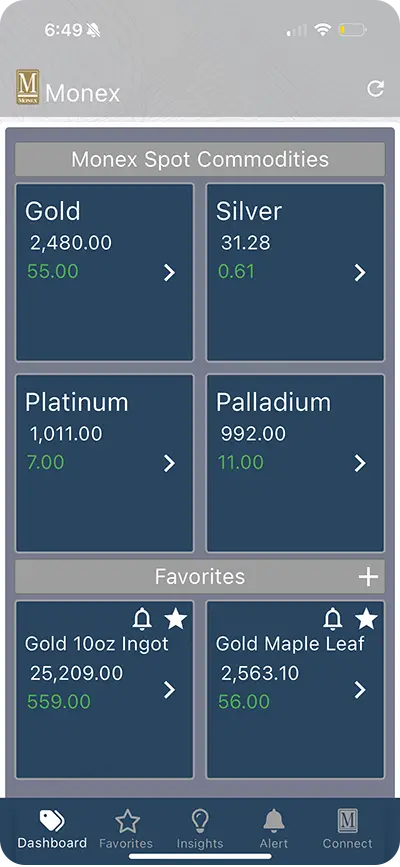
Your personalized home screen gives a snapshot of the Monex Spot Prices: Gold, Silver, Platinum, Palladium and your Favorites.
Real-time precious metals prices and live charts from America’s premiere two-way precious metals marketplace right at your fingertips. Customize your market experience with a personalized dashboard, favorites, and price alerts.


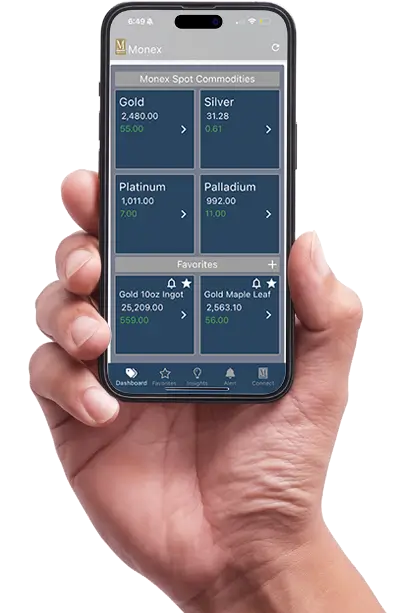
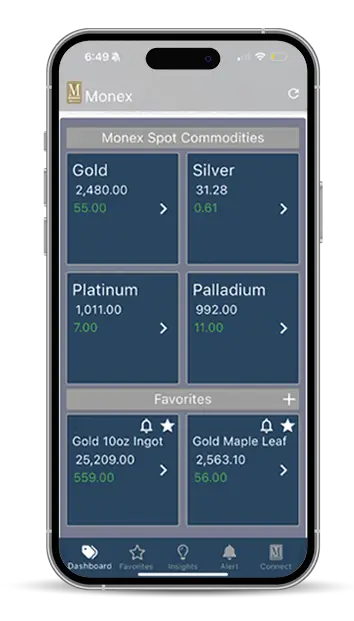

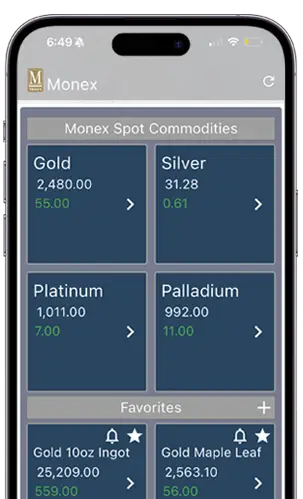
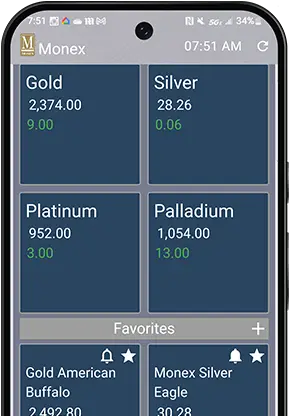
The Monex Bullion Investor App is a mobile platform that allows users to track precious metals prices and products for gold, silver, platinum, and palladium. It provides current market data, price alerts, and educational resources for investors.
Yes, the Monex Bullion Investor App is free to download at the Apple App store and Google Play.
1. You can click the + icon in the Favorites bar on your dashboard. That will take you to a list of products where you simply click the ⭐️ next to the product name. This will add your favorite product to your dashboard and the Favorites tab.
2. If you click on any Spot price commodity on your dashboard it will take you to a list of products for that specific metal. Click on the ⭐️ there and it will add the favored product to your dashboard and the Favorites tab.
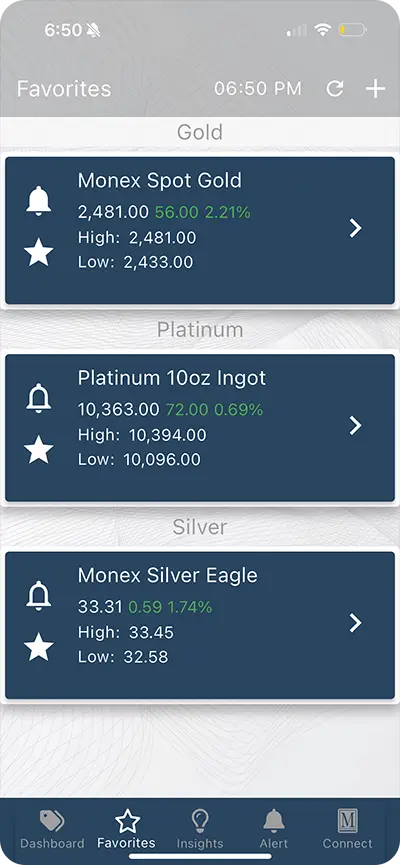
3. Go to your Favorites tab which can be found at the bottom bar of the app. After selecting the Favorites tab, click the + in the top right corner. This will take you to all the premium products that Monex offers to which you can add to your favorites by clicking on the ⭐️ in the products bar.
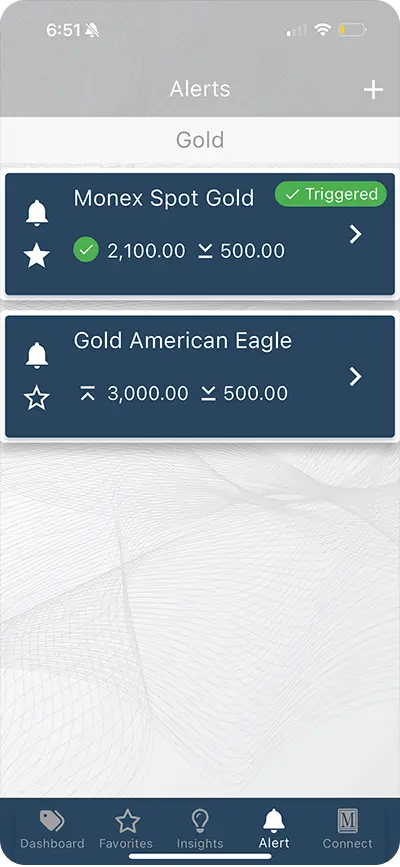
There are a few ways you can set price alerts in your app. You can set price alerts for Monex Spot prices and/or specific products. Setting an alert from the Dashboard you will click on any of the four commodities in the Monex Spot Commodities section. Click the bell icon (🔔) which will open a “Add Alert” page. Set the “At or Above” price and the “At or Below” price then click “Save.” Once your Price Alert has been saved it can be seen in your Alerts tab which is found at the bottom of your App screen. A green “Triggered” badge will appear when that Alert has been met. You can also set an alert via the Alerts tab by clicking the + at the top right corner of your screen and following the steps above.
Monex offers a variety of premium precious metals products for both bullion bars and coins that can be viewed and tracked via the Monex Bullion Investor App. You can set price alerts for these products and contact your Account Representative directly from the app via the Connect tab if needed.
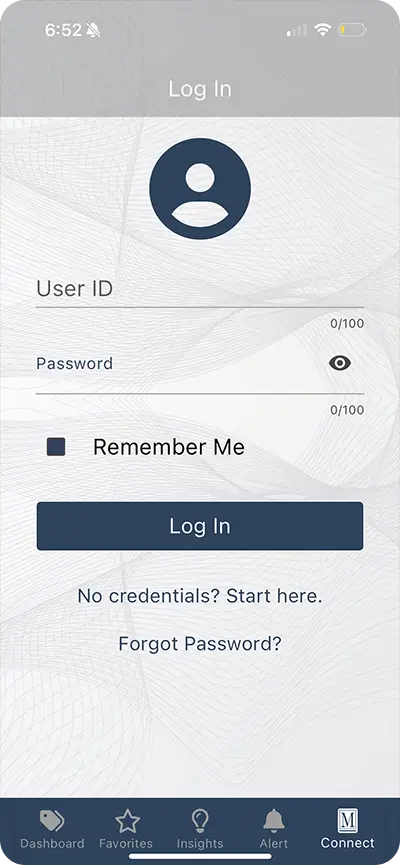
Yes, just go to the Connect section, press Log-in and input your credentials (User ID and Password). If you don’t have your credentials, then press “Start here” below the Login button.
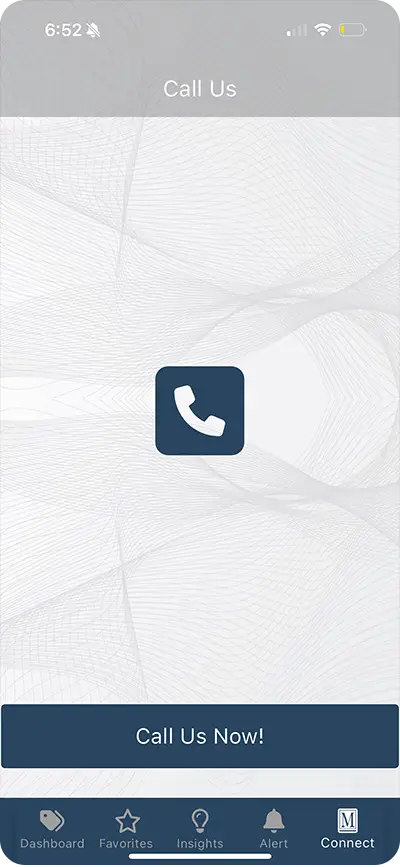
Yes, you can call Monex by clicking the Connect tab at the bottom bar of the app. Click “Call us” next to the phone icon. This will put the Monex phone number in your phone and allow you to connect with a Monex Account Representative.
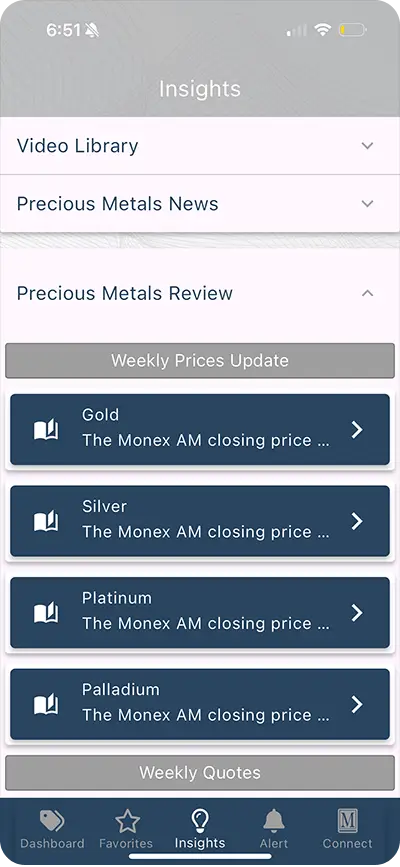
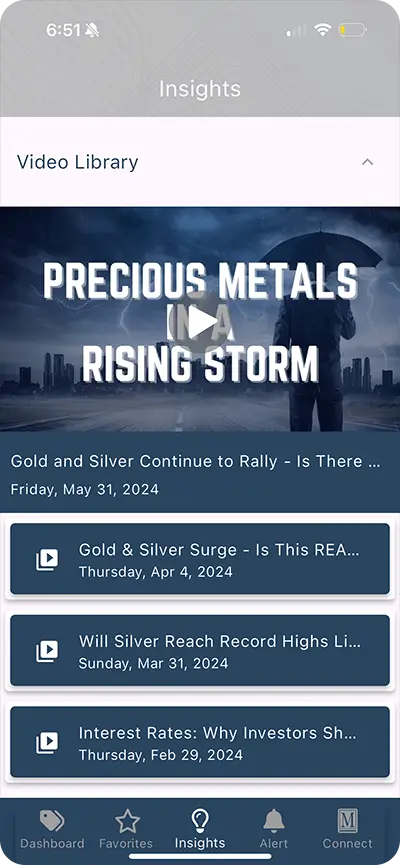
The app includes a section called “Insights” which features current articles, videos, and market analysis which could help you make informed investment decision
If you experience technical issues, try restarting the app and/or your device. If problems persist, please contact customer support by emailing us directly at info@monex.com.
If you have any other questions or need more information, feel free to reach out!